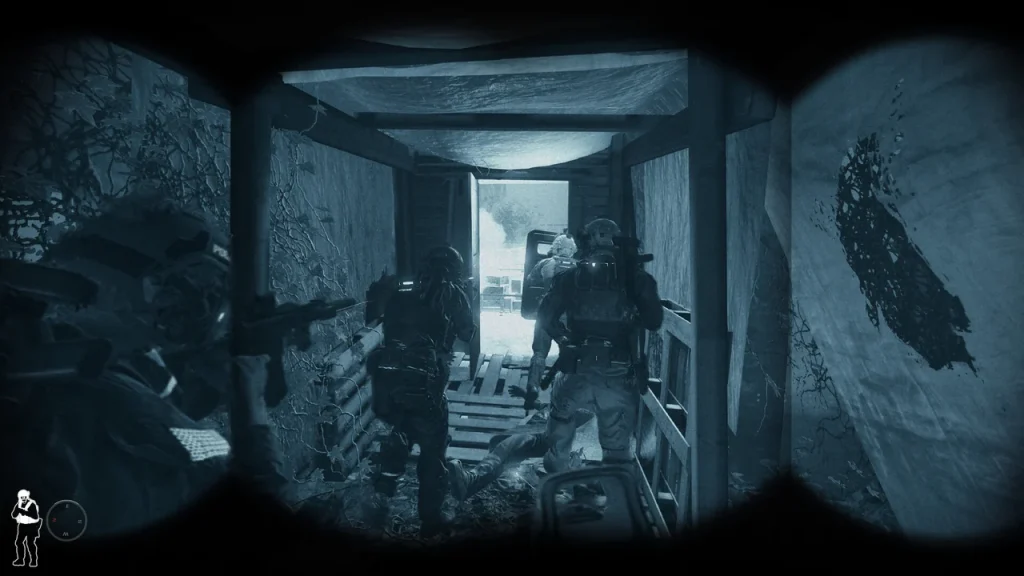
TL;DR: Ready or Not suspect surrender mechanics depend on more than making an NPC stop shooting. Calls for compliance, equipment effects, morale, stress, and the presence of officers all affect the encounter. Once a suspect gives up, keep the contact in view, complete the restraint, and secure the dropped weapon. An unrestrained surrender can change back into a threat.
This guide explains ordinary mission encounters and the distinction between hesitation, surrender, restraint, and renewed aggression. It does not assign a universal surrender percentage or timer. The latest official release reviewed is v1.5.3 from October 13, 2026; the explanations below combine VOID’s documented AI systems with later fixes. Mission Editor presets and PC mods can change the behavior you encounter.
On this page
1. Understand Ready or Not suspect surrender mechanics
VOID’s official FAQ describes morale as willingness to surrender: lower morale makes a suspect more willing to give up. Stress describes agitation during the mission. These values interact, but they are not interchangeable. Raising stress is not a reliable way to make every suspect surrender sooner.
Gunfire, deaths, grenades, and loud entries are among the stimuli discussed in that FAQ. At high stress, NPCs can become more suspicious, evasive, quick to attack, and less willing to comply. Calls for compliance and carefully used less-lethal equipment can lower morale. The developer explains these as interacting systems rather than a single “fear meter.”
The useful player lesson is to read the current encounter. A suspect who hears you, hesitates, and lowers a weapon is giving you an opportunity to request compliance. A suspect already attacking is in a different state. Repeating the same input without noticing that change can leave you reacting to an animation instead of the NPC’s current action.
The Home Invasion update added the ability for suspects to surrender while hesitating, even without a physical stun. It also described hesitation as more likely before a suspect reaches a mission-specific stress threshold, especially when yelled at or when multiple officers are visible. You therefore do not need to assume that every successful surrender must start with a grenade or weapon hit.
Those thresholds are mission-dependent. A video showing an easy surrender in one room cannot establish how every NPC in another mission will behave. Difficulty and archetype matter too. Learn the sequence of states first, then judge a particular mission on its own conditions.
2. Turn a compliant moment into a completed restraint
When a suspect is visible, use your configured compliance action and observe the response. Keep your aim and attention on that contact while the surrender develops. Listen for the response, watch the weapon and hands, and give the animation room to finish instead of immediately turning toward the next objective.
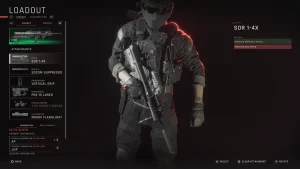
If the NPC remains resistant, use the less-lethal option your loadout supports when appropriate to the game encounter. An equipment effect can create an opportunity for another compliance call, but it does not itself complete an arrest. Check what the suspect actually does afterward. A stunned character and a fully restrained character are different results.
Once the contact is compliant and the interaction is available, restrain the suspect yourself or let an assigned AI officer complete it. Keep another officer watching when possible rather than dragging the whole team away. The AI overhaul explicitly added autonomous securing after compliance, so an officer approaching the suspect may already be handling this stage.
After the restraint, report the contact if that task is still outstanding. If an officer has already reported the person, do not mistake the absent interaction for a missing arrest. Separate the NPC’s secured state, the reporting action, and any weapon lying nearby. Each answers a different completion question.
Finish by securing the dropped weapon. The evidence collection guide explains how to distinguish that pickup from reporting the person. Leaving a weapon behind creates an outstanding evidence task and can leave an item available to an NPC if the encounter changes before it is secured.
As a simple example, suppose a suspect hesitates at a doorway and responds to your call. Keep the contact watched, allow the surrender to finish, then have an officer restrain them. Let the reporting and weapon collection complete before you regroup. This turns one temporary opening into a finished encounter instead of a second fight later in the run.

3. Recognize fake surrender and renewed aggression
Surrender is not a permanent promise from an unrestrained NPC. The 1.0 feature changelog explicitly lists decision-making around surrendering, fake surrender, fleeing, and combat. Subsequent updates refined those behaviors and repaired cases in which suspects could not correctly leave or enter the surrender state.
The Home Invasion changelog says suspects should be less likely to fake surrender or abandon surrender while multiple officers watch them. “Less likely” is not the same as impossible. Keep observation and restraint connected in your play rather than assuming that a kneeling animation permanently removes the contact from the encounter.
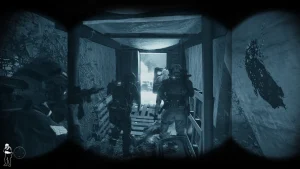
A suspect returning to a weapon, drawing another weapon, or beginning aggression has changed state. Update your response to what the game shows now. The SWAT AI briefing documents “Gun!” and “Knife!” callouts when contacts pull weapons, making squad audio useful alongside the visible animation.
Do not decide solely from whether the NPC is standing or kneeling. Transitional animations and equipment effects can overlap, and official fixes have addressed misleading weapon-raising and surrender behavior. Look for the whole action: whether a weapon is being used, whether the surrender has completed, and whether a restraint interaction is actually available.
Weapons on the floor also matter. The Los Sueños Stories update fixed suspects failing to gain morale after picking up a weapon from a cache, as well as problems with choosing nearby guns. That repair history reinforces why a dropped weapon should not be treated as harmless scenery while an unrestrained suspect can still reach it.
The practical response is to finish the encounter promptly while maintaining observation. If you need to move a compliant contact to a reachable position, use the offered contact commands and confirm the movement before attempting the restraint again. The launch changelog documents turning and movement instructions for surrendered or arrested targets; availability depends on the current contact state.
For AI assistance, use the SWAT AI commands guide to select the intended element and avoid interrupting its restraint with another room order. Clear team assignments make it easier to have one officer handle the interaction while the others remain useful.
In co-op, identify the specific contact before handing over the restraint. Ask the teammate to confirm the report and dropped weapon afterward, so the group’s next move does not leave an unfinished surrender behind.
4. Separate difficult encounters from bugs and custom settings
Begin troubleshooting with the actual state. If no arrest interaction appears, check whether the surrender has finished and whether you can reach the suspect. A doorway, prop, or ongoing animation can prevent the interaction you expected. Reposition or use an available movement instruction rather than repeatedly attempting the same action through an obstruction.
If the suspect behaves differently after gas or spray, check the installed build. The March 2026 v1.4.1 update fixed suspects and civilians being unable to surrender while pepper sprayed, along with gas-related behavior and arrest availability issues. The September v1.5.2 update also fixed suspects sometimes being unable to surrender, move, or shoot.
A listed fix does not prove that every current refusal is a bug. The suspect may still be resistant, agitated, or in a different action. Compare the encounter with the same mission, difficulty, and unmodified settings before deciding that a repair has regressed. Change one variable at a time so your comparison remains useful.
Mission Editor requires particular care. Its official launch includes Suspect Start Morale and Stun Resistance, while the broader editor can alter NPC archetypes and equipment. A shared preset can therefore produce surrender behavior very different from the default mission. Inspect the preset rather than assuming that its creator demonstrated a universal rule.
When documenting a repeatable problem, record the mission, difficulty, game version, custom preset or mods, equipment used, and visible sequence. A report that distinguishes “never enters surrender” from “surrenders but cannot be restrained” is more useful than treating both as a failed compliance command.
If the unresolved contact is a civilian, use the civilian rescue guide for searching, movement, and reporting. Keep that remaining task distinct from a suspect who is resisting or returning to aggression.
| What you observe | What it means for your next action |
|---|---|
| Suspect hesitates or lowers a weapon | Use compliance and watch for the response |
| Equipment visibly stuns the suspect | Check the resulting state; restraint is still a separate task |
| Suspect completes surrender but is unrestrained | Maintain observation and finish the interaction |
| Suspect moves toward or draws a weapon | Reassess the renewed threat shown by the game |
| Suspect is restrained but a weapon remains | Finish reporting or evidence tasks separately |
| Behavior changes in a shared preset | Check Mission Editor settings before comparing with defaults |

Frequently asked questions
Does yelling always make a suspect surrender?
No. Compliance calls are part of the system, while morale, stress, difficulty, archetype, and the mission situation affect the response. The developer documents hesitation-based surrender, but does not provide one success rate that applies to every suspect.
Can a kneeling suspect start fighting again?
An unrestrained suspect can change out of surrender, and fake surrender is a documented behavior. Keep the contact watched, complete the restraint, and collect the weapon. The presence of officers can affect the likelihood, but it does not make every encounter predictable.
Does a less-lethal hit count as an arrest?
No. An equipment effect may help produce compliance, but restraint, reporting, and weapon collection remain separate actions. Check the contact after the effect and finish the available interaction instead of moving on as soon as the NPC stops firing.
Why is surrender easier in a Mission Editor preset?
The preset may change starting morale, stun resistance, archetypes, or weapons. Those are actual editor controls documented by VOID. Compare the preset with the default mission settings before treating its behavior as evidence about ordinary difficulty or every NPC.


Sources and update scope
Reviewed November 8, 2026: v1.5.3 update, v1.5.2 editor and surrender fix, v1.4.1 interaction fixes, Home Invasion AI changes, Los Sueños Stories update, official morale and stress FAQ, and 1.0 feature changelog. This is an official-source explanation with practical game steps; no current-client test, fixed threshold, or guaranteed surrender outcome is claimed.
Additional implementation evidence: SWAT AI securing and weapon callouts.
Sources and further reading
- https://steamcommunity.com/games/1144200/announcements/detail/714540024688806127
- https://steamcommunity.com/games/1144200/announcements/detail/680757319885129886
- https://steamcommunity.com/games/1144200/announcements/detail/532125218178599594
- https://steamcommunity.com/games/1144200/announcements/detail/4343242494484137728
- https://steamcommunity.com/games/1144200/announcements/detail/561377319446381025
- https://steamcommunity.com/games/1144200/announcements/detail/3970553140547184115
- https://steamcommunity.com/games/1144200/announcements/detail/3859085878636601510
- https://steamcommunity.com/games/1144200/announcements/detail/3835439444392378670