TL;DR: This Arma Reforger crossplay guide starts with one shared server that accepts your group’s platforms. Update each copy of the game, check the server’s required content, and have everyone search for the same session. Crossplay support makes mixed-platform play possible; it does not guarantee access to every server or addon.
Arma Reforger supports cross-platform multiplayer between supported PC, Xbox, and PlayStation 5 versions. Joining together depends on the chosen server, compatible game content, and each player’s platform permissions. Confirm those conditions before troubleshooting a friend list or assuming the game cannot connect your platforms.
For a group of friends, the useful target is a session everyone can enter. This article focuses on that shared-session process. Use the Workshop setup guide for installing content and the server browser guide for comparing individual server listings.
On this page
Arma Reforger crossplay guide: platform facts
Bohemia’s PS5 launch announcement confirmed crossplay support in December 2024. The current FAQ also includes PC, Xbox, and PS5 in its Workshop platform answer. We checked those documents and later release notes, rather than testing a live three-platform session.
PS5 Workshop access changed after launch. Update 1.4, released in May 2025, enabled mod downloads on PS5. An old statement that PS5 cannot use any modded content is therefore an unreliable starting point. Check the actual project and server requirements instead.
1. Choose a common server before using invitations
Agree on the exact server your group wants to enter. Record its name and identifying details, then have each person look for that listing in the game. A friend saying "join my server" is incomplete when several community listings have similar names or run different scenarios.
Begin with a session that has few content requirements if this is your first attempt together. That reduces the number of downloads and compatibility questions you need to solve simultaneously. It does not make the session universally accessible; each player must still satisfy its platform and connection conditions.
Look for the browser’s crossplay or platform information and read any notice shown during joining. Bohemia’s original crossplay update introduced server platform configuration, crossplay filters, and loading-screen warnings. Its PC/Xbox configuration examples are historical, so do not use them as a current three-platform hosting recipe.
If a listing is visible for one friend but absent for another, compare their filters and selected release first. Visibility is a different checkpoint from admission. A server can appear in a browser and still reject a connection because of a requirement, password, or current session state.
Avoid making a purchase or download decision based solely on another player’s ability to enter. Their platform, local content, and account settings can differ from yours. The group needs a common successful connection, not four individually plausible assumptions.

2. Align the game release and platform permissions
Have everyone finish pending game updates before the shared attempt. Record the build shown by each client when you investigate a mismatch. The release name matters because Reforger Experimental is a separate testing path described in the official FAQ.
Experimental previews can contain features that change or disappear before a stable release. A friend using a test build and another using the ordinary release should not interpret their different available sessions as proof that crossplay has been removed. Choose the same intended release and a server designed for it.
On Xbox, check the account’s cross-network multiplayer permissions if the platform reports a restriction. The original crossplay announcement explicitly documented checking Xbox crossplay privilege. Follow current console instructions for the account involved; do not use a remembered menu path from another console software version.
Keep account policy separate from game support. A platform restriction affecting one person does not establish that the game lacks crossplay. Conversely, enabling a permission does not resolve a server password, content requirement, or full session. Let the actual message determine the next check.
For family-managed accounts, use the account holder’s normal platform controls. The goal is to understand the displayed restriction, not to work around an account’s intended permissions. If a platform reports missing multiplayer entitlement, review that platform’s current requirement without assuming another player’s purchase covers it.
3. Match the server’s required mods as a group
Read the chosen server’s required content before starting a large download. PC, Xbox, and PS5 players can use Reforger Workshop, but individual projects can have limitations. Confirm that every member can obtain the required set and finish installation.
The current FAQ describes cross-platform mod support as a goal with possible limitations depending on the mod. A broad Workshop platform answer should not be expanded into a guarantee that every addon, dependency, or arbitrary combination works on all hardware.
Assign one clear target: the selected session’s displayed requirements. If someone installed a similarly named collection from a web search, it may not be the same content. Ask them to compare the actual addon identity and the version the join process requests.
When one player is still downloading, wait for that player’s package statuses rather than repeatedly changing the group’s destination. Moving between servers can start a different requirement set and obscure the original mismatch. A download queue is not the same thing as the server’s player queue.
Check current storage feedback on each platform. The May 2025 PS5 announcement listed an original download allocation, but this guide does not promise a current free-space allowance. A package fitting on one friend’s PC does not prove another friend’s console has enough available space.
If the group cannot satisfy one project’s requirements, select a different common session. That is a practical compatibility decision. It does not establish that crossplay itself is broken, and it should not become an unsupported claim about an addon creator.
4. Join the same session and compare the exact outcome
Have each friend attempt the agreed listing and report the stage reached: listed, downloading, waiting, loading, or in the session. Those stages reveal whether the difficulty is discovery, content preparation, admission, or session loading.
A full server may offer a player queue. Bohemia’s December 2024 update described joining a queue and allowing the game to connect when a space opens. That provides no fixed waiting time or guarantee that your whole group will enter simultaneously.
| Group symptom | Check together | Avoid this assumption |
|---|---|---|
| A friend cannot find the listing | Server identity, release, and browser filters | A missing result proves all crossplay is unavailable |
| One platform receives a permission notice | The affected account’s platform settings | Other friends’ successful joins remove that restriction |
| Only one player downloads more content | The required addon identities and statuses | Similar names mean identical packages |
| Several friends are waiting | Queue versus completed connection | Everyone will receive a slot at the same instant |
| One connection is rejected | The exact rejection text and session requirements | Every rejection is caused by crossplay |

Once admitted, confirm the same scenario or server identity before discussing in-game roles. Similar scenery is not enough to prove everyone joined the same session. Follow that community’s group and voice rules using the actual interface.

Crossplay and cross-platform progress answer different questions
Crossplay concerns sharing a multiplayer session. Cross-platform progress concerns data carried between platform contexts. A successful connection with a PS5 friend does not by itself prove that your own progression or account data will transfer to another device.
The official FAQ says a Bohemia Interactive account is not required to play, but is needed to save cross-platform progress and upload mods. That does not specify in this guide which individual progression fields transfer, how every account link behaves, or whether purchases transfer.
If your goal is simply to play with friends, establish the shared session first. If your goal is to move your own progress, consult the current account information separately. Avoid telling everyone to create a publisher account as an unexplained cure for every connection error.

A useful group troubleshooting record
Capture a small set of facts for each affected person: platform, client build, target server, relevant filter, required addon, and exact message. Share only what is needed to describe the game problem. Passwords and private account details do not belong in a public bug report.
Compare a failed attempt with a known working session. If the affected player can enter another compatible unmodified server, the issue is narrower than all multiplayer. If they cannot enter any session and the platform itself displays a restriction, examine that restriction before blaming one community server.
Use this Arma Reforger crossplay guide in a practical order: choose a common listing, align the release and permissions, complete its required content, then check actual admission. Preserve the successful server identity so your next group session starts from a working example.
Frequently asked questions
Can PC, Xbox, and PS5 players play together?
Reforger supports mixed-platform multiplayer across those supported versions. Your group still needs a server accepting the relevant platforms and content everyone can use. This article verifies documented support, not a current connection test on every public listing.
Are PS5 players restricted to unmodified servers?
That launch-era blanket restriction is outdated. Update 1.4 enabled PS5 Workshop in May 2025, and the current FAQ lists PS5 mod downloads. Read individual addon requirements and available storage rather than assuming every modded session is either allowed or impossible.
Does everyone need a Bohemia account for crossplay?
The official FAQ says an account is not required simply to play. It separately identifies saving cross-platform progress and uploading mods as account uses. A specific platform or session message should be investigated on its own terms.
Why does my friend see a server that I cannot see?
Start with the exact listing name, game release, and browser filters. Platform eligibility and temporary session availability can also matter. The difference alone does not identify a cause; compare the actual settings and message before reinstalling content.
Sources and update scope
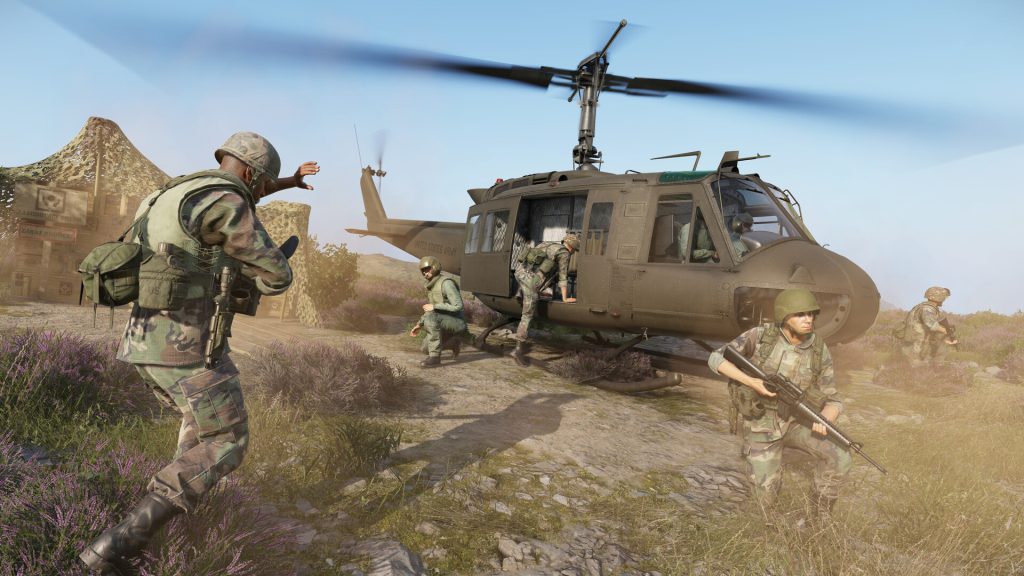
Sources read on November 8, 2026: the official FAQ, PS5 launch announcement, original crossplay update, Update 1.4, and server queue announcement. Historical configuration examples are not current hosting instructions. Screenshots show official Reforger scenes rather than a tested crossplay session.
Sources and further reading
- https://steamcommunity.com/games/1874880/announcements/detail/707725115500003353
- https://reforger.armaplatform.com/faq
- https://reforger.armaplatform.com/news/update-may-22-2025
- https://steamcommunity.com/games/1874880/announcements/detail/3401926123913995978
- https://reforger.armaplatform.com/news/update-december-12-2024