TL;DR: Use this Arma Reforger medical system guide to read your game avatar’s state, inspect the relevant inventory or hitzone information, select a healing item by its current description, and verify the result after the action. Keep an injured, unconscious, or dead character distinct. An animation or item selection alone does not prove the intended game effect occurred.
Reforger models character damage, bleeding, healing items, and unconscious states. The selected scenario and installed medical modifications can change the available behavior. Start with the actual status and action shown in your game rather than applying an item list or timing chart copied from another title.
This guide covers video-game controls and feedback. It does not claim a current-client medical test or supply real-world treatment instructions. For coordinating a game support task with teammates, use the squad coordination guide.
On this page
Arma Reforger medical system guide: evidence and limits
The official Ground Support changelog from December 2022 documents grouped hitzones, bleeding and consumable changes, inventory hitzone hints, and healing items in vehicles. It is a historical system baseline, not a current default-loadout or timing guarantee.
The 1.7 notes include medical-kit and tutorial corrections. The current 1.9 changelog corrects tutorial medical-crate feedback and distinguishes unconscious character behavior. We read these official sources without testing an avatar or a community medical mod.
1. Read the character state before selecting an item
Start with the status your current client displays. Your own controlled avatar and another character can be in different states. A visual pose, screen effect, or nearby body is useful context, but it should not replace the game’s available state information.
Keep injury, unconsciousness, and death separate in your description. The July 2024 notes corrected an unconscious navigator using a death animation, showing why an animation alone is not a complete state definition. Read the actual interaction or status when it is available.
Open the inventory or character information that your interface provides and inspect the affected area or status. Ground Support introduced a hover hint for hitzones and grouped hitzones in healing logic. Use current labels rather than inventing a body-zone order or numeric threshold.
If you are checking another character, identify that avatar and the action available to you. A self-use input is not proof that you selected the nearby character. Confirm the target before describing an item as applied to a teammate.
Read multiple pieces of feedback together. A bleeding indication and a general damage state can represent different information. This guide does not assume one item restores all hitzones or that stopping one effect automatically returns the avatar to every previous capability.
Preserve uncertainty when the interface does not establish a state. Reporting "the interaction is unavailable" is more accurate than claiming a confirmed death or a bug based only on the character’s pose. The next check should address the actual visible condition.

2. Choose the game item from its description and context
Read the item’s current name and description before using it. Reforger’s documented healing consumables should not be replaced with an assumed list from Arma 3, Squad, or a community modification. An item familiar from another game is not evidence that it has the same effect here.
Ground Support refers to bandages and bandaging, but its old loadout quantities are not a promise for the role you selected today. Inspect what your avatar actually carries. A missing item may reflect the current loadout or scenario rather than a broken medical system.
Check the action offered for the selected item and target. Having an item in the inventory does not establish that every use is allowed in every state. Use the current interface to distinguish selecting, equipping, and applying it.
Keep self-use and use on another avatar clear. If the intended target is a teammate, verify that the current action concerns that character. If the intended action is on your own avatar, do not treat a nearby interaction prompt as equivalent.
For a modified session, read the medical package’s instructions separately. The Workshop guide explains how installed content and scenario usage differ. A server’s medical modification can require information beyond the official baseline used in this article.
Avoid promising a fixed sequence, universal recovery duration, or exact item consumption from an untested setup. The useful decision is the current item’s stated purpose and available action, followed by a check of the actual game result.
3. Perform the available action and verify its result
Use the full current input for the offered action, including any modifier or activation behavior. If a copied button does something else, inspect the actual assignment rather than repeatedly applying an old chart. The controller guide explains that check.
Distinguish an attempted action from a completed one. A selected item, opened menu, or animation start is an earlier stage. Watch the feedback the game provides and verify the relevant state afterward.
Check the same status you identified before using the item. If you were addressing a displayed effect, inspect whether that effect changed. If another avatar was the target, confirm its resulting state rather than using your own screen feedback as evidence of the teammate’s recovery.
Ground Support fixed bandaging cancellation during stance changes. That is a historical interaction correction, not a claim that every current interruption has the same cause. If an action stops, note what input or state changed before it ended.
Check item availability after the result. The interface can help distinguish a successfully used consumable from one that remained merely selected. Do not invent a fixed quantity used when your current client or scenario has not established it.
Report the observed outcome to the group in game terms. "The action completed and the displayed effect changed" is more specific than "fully healed" when you have not checked all relevant avatar states. A teammate needs accurate feedback to decide their next game action.
4. Diagnose state, input, inventory, and scenario separately
An unavailable action can have several contexts. The target state, selected item, current input, and scenario rules are separate things to inspect. Changing all of them at once makes it hard to identify what resolved the problem.
If an old tutorial describes an item you cannot find, start with the actual loadout and selected session. A community package or another game may be the source of that item list. Do not diagnose a missing official feature from a tutorial that never matched your setup.
| What you observe | First useful check | Do not conclude |
|---|---|---|
| The character looks motionless | Current state and available interaction | Pose alone proves death |
| The intended item is missing | Actual loadout and scenario content | Every role carries the same old quantity |
| Item selected but effect unchanged | Action completion and target | Selection alone applied the item |
| Action ends unexpectedly | State or input change at that moment | Every interruption is the same historical bug |
| A modded server differs | Named medical addon and its instructions | Official baseline predicts all modifications |
| A tutorial crate displays odd stock | Current build and specific interface | Every gameplay crate has the same issue |

The 1.9 notes fix an overflowing supply value in the Tutorial medical crate. That is a specific UI correction. It should not be expanded into an assumption that every healing failure is a stock-display bug or that a tutorial value is the current inventory of another session.

Vehicles and unconscious characters are distinct contexts
Ground Support added use of healing items in vehicles. The historical note does not show that every item, seat, target, and modified scenario shares identical permissions today. Inspect the action actually available in the selected game context.
The 1.9 changelog separately addresses vehicle casualty-removal issues and AI returning from unconscious states. Those are different interactions from selecting a healing consumable. Do not describe moving a character or changing a seat as a confirmed healing result.
If you are reporting a vehicle-related issue, identify the vehicle context, target state, item or offered action, and final result. That provides enough detail to separate an unavailable interaction from an interrupted action or incorrect feedback.

Learn with the current in-game tutorial
The 1.7 changelog includes a First Aid course correction for missing items on its table. Use the installed game’s course instructions to learn the interface and status feedback in that controlled context.
A tutorial is useful for understanding the game’s prompts, but its result is specific to that scenario. It does not establish the loadout of every multiplayer role, the rules of a medical addon, or a current universal recovery timer.
If a course differs from a video, compare the course label and game build before rebuilding the older steps from memory. Official notes already document item and interface corrections. Retain the instruction your current client actually provides.
Medical contribution and group feedback
The 1.6 changelog adds medical assistance as an HQC reward category. That supports treating help to teammates as a contribution to the mode, but it does not promise a fixed XP amount for every attempted action.
Keep the game effect and reward notification separate. A reward category does not establish that the target reached a fully restored state. Check the avatar result and describe any reward as its own observation.
Finish this Arma Reforger medical system guide with a clear game-only loop: identify the avatar state, choose the current item and target, perform the offered action, then inspect the resulting feedback. Use current scenario instructions when they differ from the historical baseline.
Frequently asked questions
Does every avatar carry the same healing items?
This guide does not establish a universal current loadout. Ground Support’s old quantities are historical. Check the selected role’s actual inventory and any medical content included by the scenario or server.
Does a motionless character necessarily mean death?
No. Reforger distinguishes unconscious and dead states, and official notes have corrected animation mismatches. Use available status and interaction feedback rather than pose alone.
Can I assume a completed animation fully restores the avatar?
Check the relevant resulting state. An animation is only part of the action feedback, and this guide does not promise one item’s effect across every hitzone or modified medical system.
Why does a community server use a different medical workflow?
Installed medical content can introduce scenario-specific behavior. Identify the actual package and read its instructions. Do not substitute another game’s consumable list or the official historical baseline for that configuration.
Sources and update scope
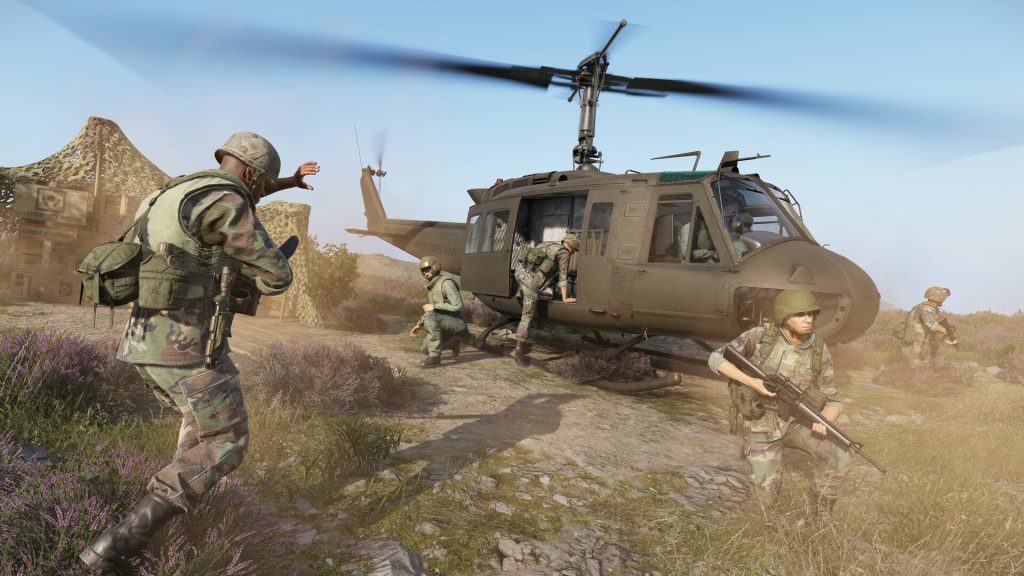
Read on November 8, 2026: official Ground Support medical baseline, 1.2.0.76 unconscious-animation correction, 1.6 medical-assistance category, 1.7 tutorial and medical-kit corrections, and 1.9 feedback corrections. No healing effect, timer, item quantity, avatar interaction, or modded medical procedure was tested. Official scene images do not show a verified medical interface.
Sources and further reading
- https://steamcommunity.com/games/1874880/announcements/detail/3647382450219302906
- https://reforger.armaplatform.com/news/changelog-may-28-2026
- https://reforger.armaplatform.com/news/changelog-november-4-2026
- https://reforger.armaplatform.com/news/changelog-october-30-2025
- https://reforger.armaplatform.com/news/update-july-3-2024