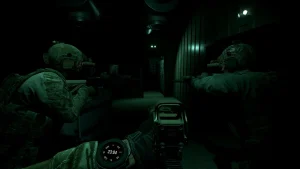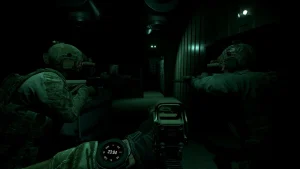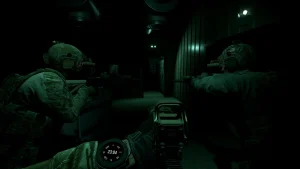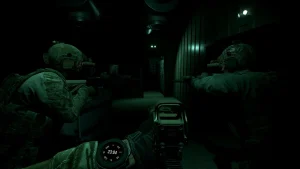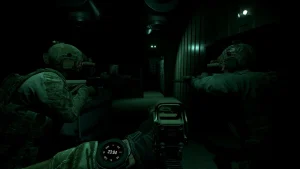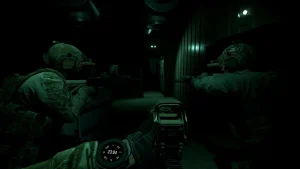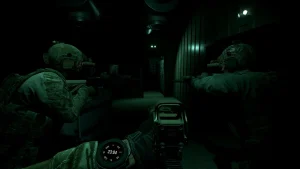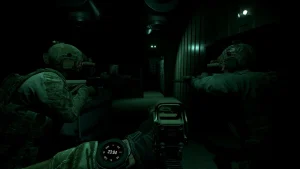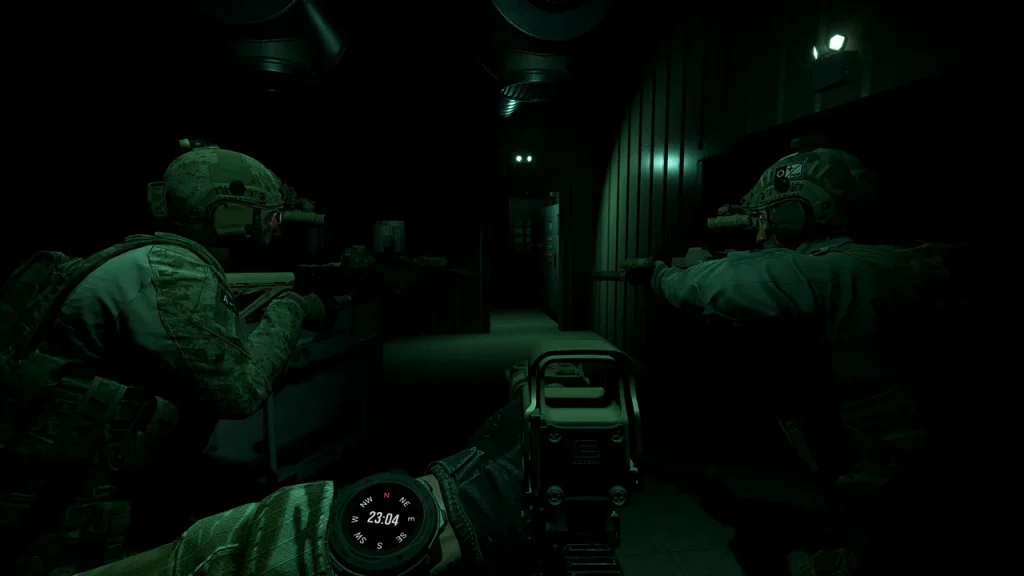
TL;DR: For Ground Branch co op server setup, start with the current in-game Host Game option for a session you will run while playing. Choose dedicated hosting when the group needs a separate persistent host. Match the game builds, use an unmodified mission for the first test, and verify that one teammate can join and communicate before inviting the full group.
The official description confirms free dedicated server support. It does not make a third-party rented machine free. This guide provides a setup and diagnosis workflow, rather than unverified port numbers or launch commands for an unknown server build.

Source check: November 9, 2026. This guide covers the video game using the official Ground Branch description and V1.0 release notes. Recommendations below are practice methods, not personal test results. Chapter 1 and V1.1.0 are announced for November 12 and are not treated as available today.
On this page
Ground Branch co op server setup: choose the hosting model
Use Host Game when one player will create the session and stay to run it. A dedicated server is a separate hosting arrangement. Choose by who will maintain the session, whether the host will be playing, and whether the group needs it available outside that player’s session.
The V1.0 Hotfix 2.5 announcement includes Host Game and VOIP fixes. Check that you and the host have applied current updates before diagnosing a problem from an older report. The correction establishes version context, not proof that every network configuration works.
1. Write down a minimal session plan
Start with the number of players, one selected mission and the person responsible for hosting. Decide whether the first test is private group practice or an open session. These choices determine which current session options you need to inspect.
Keep the initial goal small: create the session, join from another machine, reach the Ready Room and confirm communication. Do not add a full mod collection or custom rotation before the basic connection is demonstrated.
Assign one person to change the hosting configuration. If several players edit settings independently, it becomes unclear which state is being tested. A short shared record of the build, mission and last change avoids repeating the same troubleshooting loop.
Separate your gameplay requirements from hosting requirements. Difficulty, map lighting and equipment rules affect the round; host availability and connection affect access to it. Solve the access test first so a gameplay option does not become a distraction.

2. Update and compare the current builds
Have each player check their installed game version and any selected branch. A player on an experimental branch is a different test case from the current release. Record the actual build rather than saying everyone has updated without comparison.
For a dedicated server, compare its installed version with the clients too. Updating only the players leaves the host as a possible mismatch. Use the current official installation instructions for that server distribution rather than copying a command from an unrelated title.
Temporarily remove optional content from the first test. Custom missions and mods add compatibility questions beyond the base session. The developer’s historical notes discuss build metadata for mods, which is another reason to check version compatibility deliberately.
If the clean session works, reintroduce the group’s additions one at a time. Record which addition changes the outcome. This identifies a compatibility problem more efficiently than changing the host, mission and mod list in the same attempt.
3. Create a small Host Game session
Open the current multiplayer interface and use Host Game if that is your chosen model. Review the options it actually displays, including the session identity and any access settings you require. Menu labels can change, so confirm the current interface instead of following a memorized screenshot.
Choose an unmodified map and mode for the first launch. Use a configuration the group recognizes, and keep it unchanged while testing access. A custom mission that fails to load is a different problem from another player failing to connect.
Ask one teammate to join using the game’s available session-discovery or joining method. Verify that both players reach the same session and Ready Room. Seeing the host’s screen alone does not establish that an external client can enter.
Then check whether the joining player can remain connected through starting a round and returning afterward. This is a more useful basic test than immediately filling the session. Record where failure occurs if the player can join but later disconnects.
4. Prepare dedicated hosting with current documentation
If you choose dedicated hosting, obtain the server distribution and instructions from the official channels linked by the game’s publisher or developer. Confirm the operating system, installation method and current configuration format before changing the machine.
Keep a copy of the initial configuration. Change the session name and access choices supported by the current server instructions, then start with one standard mission. Do not copy a large configuration containing undocumented variables you cannot explain.
Check the host’s startup output for the actual running state and any reported errors. A process appearing in the task list does not prove that the mission loaded or that a client can join. Follow it with the same one-client test used for Host Game.
Use official guidance for network ports and command syntax specific to your build. This article deliberately supplies no guessed port list. A precise-looking incorrect command wastes time and can lead you to alter network settings unrelated to the real issue.

5. Test access before changing network rules
Identify the point of failure: the session is absent from discovery, joining is rejected, loading stops, or connection drops after entry. These are different observations. Write down the message and current build rather than reducing them all to server broken.
Check whether the host is still running the intended session. Confirm the selected map, access requirement and current client version. Simple mismatches deserve checking before changing a router, firewall or dedicated-server installation.
If network configuration is required, use the verified current requirements and apply only the needed rules. Avoid disabling the entire firewall as a routine setup step. A targeted configuration preserves a clear explanation of what changed and why.
Test after each relevant change with the same joining player and mission. If the connection starts working, retain a record of the working configuration. If it does not, revert an unrelated change rather than accumulating settings that make later diagnosis harder.

6. Verify voice and Ready Room behavior
Ground Branch provides positional voice and team radio, with text chat and pre-recorded messages as alternatives. Test local speech and team-wide communication separately. A working microphone in another application does not establish that the game’s selected device and bindings are correct.
Have the joining player acknowledge each test using the intended channel. If one channel works and another does not, inspect its binding and settings before treating it as a general server failure. Current hotfix notes provide context for older VOIP reports.
Use the Ready Room for equipment checks and a shared mission choice. The official description presents it as a physical lobby with loadout inspection, a firing range and insertion planning. Confirm these shared-session actions before assuming the group is ready to deploy.
If a player has no microphone, agree a text or pre-recorded-message method before the round. Communication expectations are part of setup. Discovering incompatible expectations during a mission creates confusion even when the server connection is functioning.
7. Add the full group and save the working setup
After the two-player test succeeds, bring in the remaining group and repeat the Ready Room and round-transition check. The official product description advertises eight-player co-op; use the current mode and host options when confirming the selected session’s available capacity.
Keep the first full-group mission close to the clean test. Add a night variant, custom content or rotation after the group can complete the basic access sequence. Each later addition should answer a specific request rather than obscure whether hosting works.
Save the configuration or record the Host Game options you used, including the checked build and mission. Do not include passwords in a public guide or screenshot. A private note can make the next session faster without exposing access details.
For related lessons, visit the Ground Branch hub and military game guides. Team communication, objective learning and kit preparation should follow the working connection test rather than replace it.
Troubleshooting by the observed failure
If players cannot find the session, verify its current identity, access method and running state. If joining fails, compare builds and the exact rejection message. If loading fails only on one mission, repeat with the original unmodified test map.
If voice fails after a successful connection, inspect audio devices, bindings and channels separately. If the host exits and the group loses the session, revisit whether Host Game matches your availability needs. A dedicated host is an operational choice, not an automatic fix for every disconnect.
Frequently asked questions
Is a dedicated server free?
The official description says dedicated server support is free. Hardware, electricity and a rented host can still cost money. Check the actual hosting arrangement before describing the whole setup as cost-free.
Should a small group start with dedicated hosting?
Start with the model that fits the group’s availability. Host Game is a reasonable first test when one player will host while playing. Dedicated hosting is useful when you need a separate machine and someone to maintain it.
Which ports should I forward?
Use the current official server requirements for your distribution and build. This source-based guide does not establish exact port values, so it does not invent them. Confirm that network rules are relevant to the observed failure before applying them.
Can I add mods before testing?
You can configure the session you want, but an unmodified first test makes diagnosis easier. Once joining and voice work, add compatible content one item at a time and retain the original working configuration.